Reports
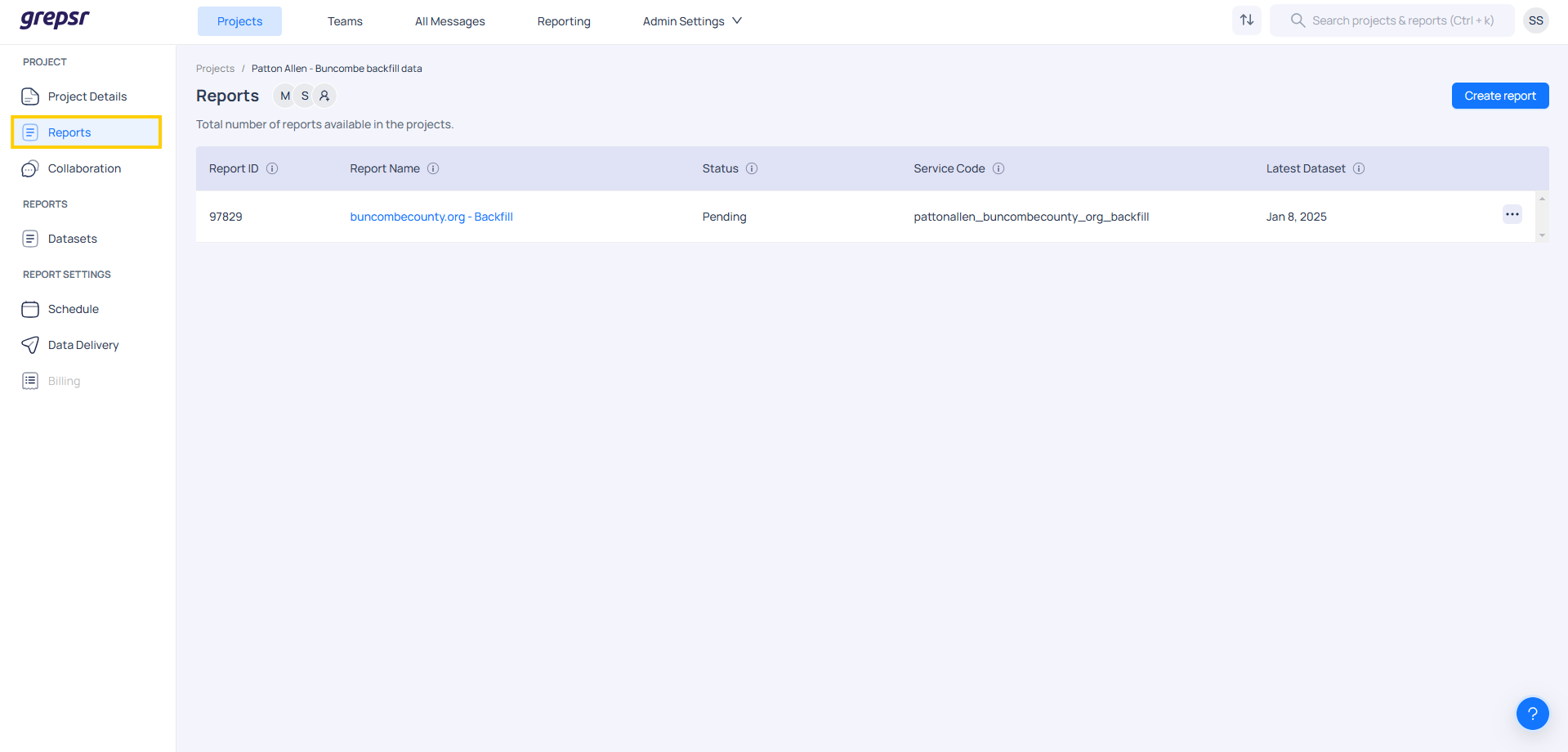
A successful project includes at least one report. Reports allow us to break down the overall data deliverables into smaller, manageable chunks. For example, a project requiring a list of all McDonald's locations in the United States can be split into reports for each state. The organization of the overall data into reports is driven by the customer’s needs, with Grepsr providing suggestions on best practices. Once all the requirements are confirmed, a report is created on the Grepsr side for clients to access and consume the extracted data.
Report Configuration
Report configuration helps in customizing the settings for generating a report. It helps to tailor the report to specific needs, ensuring the data is relevant and presented in a clear and useful way.
The available configurations in the Report Configuration are as follows:
| Configuration | Description | Example | Default Value |
|---|---|---|---|
| Billing status | |||
| Billing type | |||
| Default image | Choose the default image to be used for the run | N/A | |
| Delivery failure emails | Provide the email address for sending notifications in case of delivery failures | N/A | |
| Export settings | Configure additional settings for exported files | {'zip_files': False} | N/A |
| Parquet schema | Specify schema for parquet files as per requirement | ||
| Run on demand | Enable/Disable run on demand for clients | True | True |
| Schedule | |||
| QA enabled | |||
| Data profiler | Enable or disable the generation of a data profile for the reports | ||
| Crawler category | Enable or disable the categorization of the reports | ||
| Custom zip file names | Specify custom file name for zipped files | N/A | |
| Export fetch number rows | Set batch size to process during export | ||
| Maximum parallel runs | Limit manual runs allowed within a report | Not in use | |
| Source file delivery | |||
| Export criteria | Exclude exports under specified conditions | ||
| Additional destination | Add extra email addresses as delivery destinations. These will remain hidden in platform logs | N/A | |
| Parallel API runs enabled | Maximum API calls allowed within a specified time frame in the report | 10 | |
| Meta fields | Define meta fields for partial downloads. These fields will be excluded from regular exports | N/A | |
| Direct export directory | |||
| Supporting files zip name | Specify custom file name for zipped supporting files | ||
| Unarchival batch size | Set batch size to process during unarchiving | 250 | |
| Allow supporting files directory | Define the folder structure for delivering supporting files |