Introducing Projects
A project is a vehicle through which customer requirements are translated into workable data and value is delivered. Once the requirements are vetted and clarified, they are either executed together in a single report or divided into granular data sets and delivery requirements across multiple reports. How the data should be organized is primarily driven by the customer’s needs, with Grepsr providing consultation if necessary.
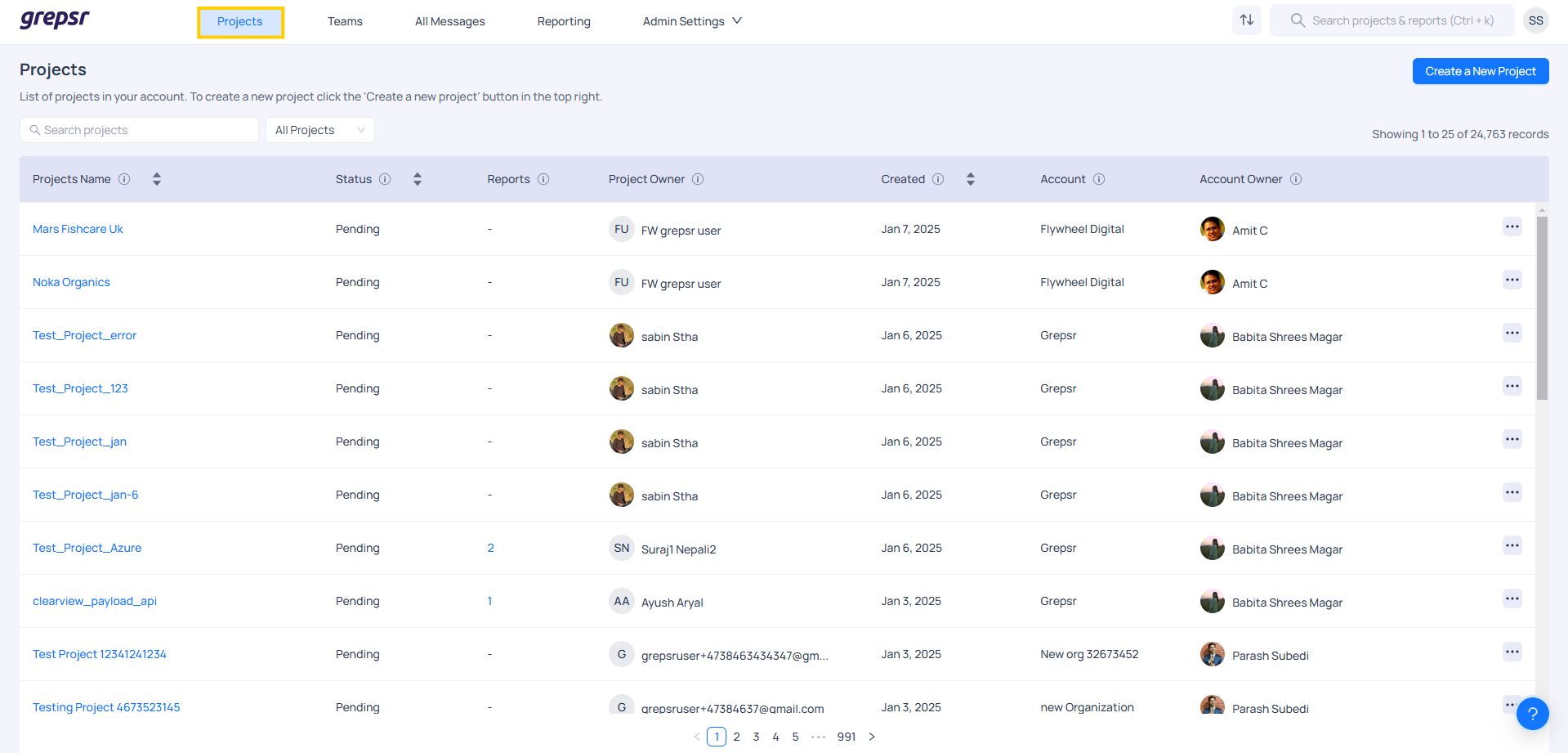
Create a new project
In this section, you need to provide details about the data requirements, including the URL(s), data fields and any other relevant information that will help us better understand the client's needs.
Additional details
- If the client is an existing or returning customer, simply enter their name in the Project Owner section. The system will automatically populate the related information, making it easier for you to proceed with the project setup.
Steps to create a new project
-
Click on the Create a New Project button on the Projects page (top right).
-
Next, fill in the required information and select the frequency of data extraction (One-time/Recurring). Recurring projects mean that you'll need to extract the data more than once on a periodic basis.
-
Then, click Next to proceed.
-
After that you need to include the Project Info and the additional details.
-
Lastly, click on Create Project.
| Types of Projects | Description |
|---|---|
| One-time Projects | Projects requiring data to be pulled only once. |
| Recurring Projects | Time-sensitive data prone to frequent changes can be pulled as often as weekly, daily or even hourly. |
Project Owner
- Every project has a project owner who is the point of contact for the project and the requirements. By default, user who creates the project is a project owner however managers can change the project owner if needed.
Project detalis
- Project details can be updated over time through the Project Details page, including changes to the project name and tags. While tags are not mandatory, they are useful for segmenting and searching projects, especially in larger accounts.
Additional details
- When creating a project, don’t worry about providing all the details right away. By creating a project, you’re registering an intent.
What does Allowed Domain mean?
- An Allowed Domain is a list of trusted email addresses that are permitted to interact with or access a specific account. Only users from a particular organization are allowed, while users from other organizations are not permitted. For example, only users with the email domain "@buildfax.com" are allowed to access the account for the Buildfax organization.