Crawler Services
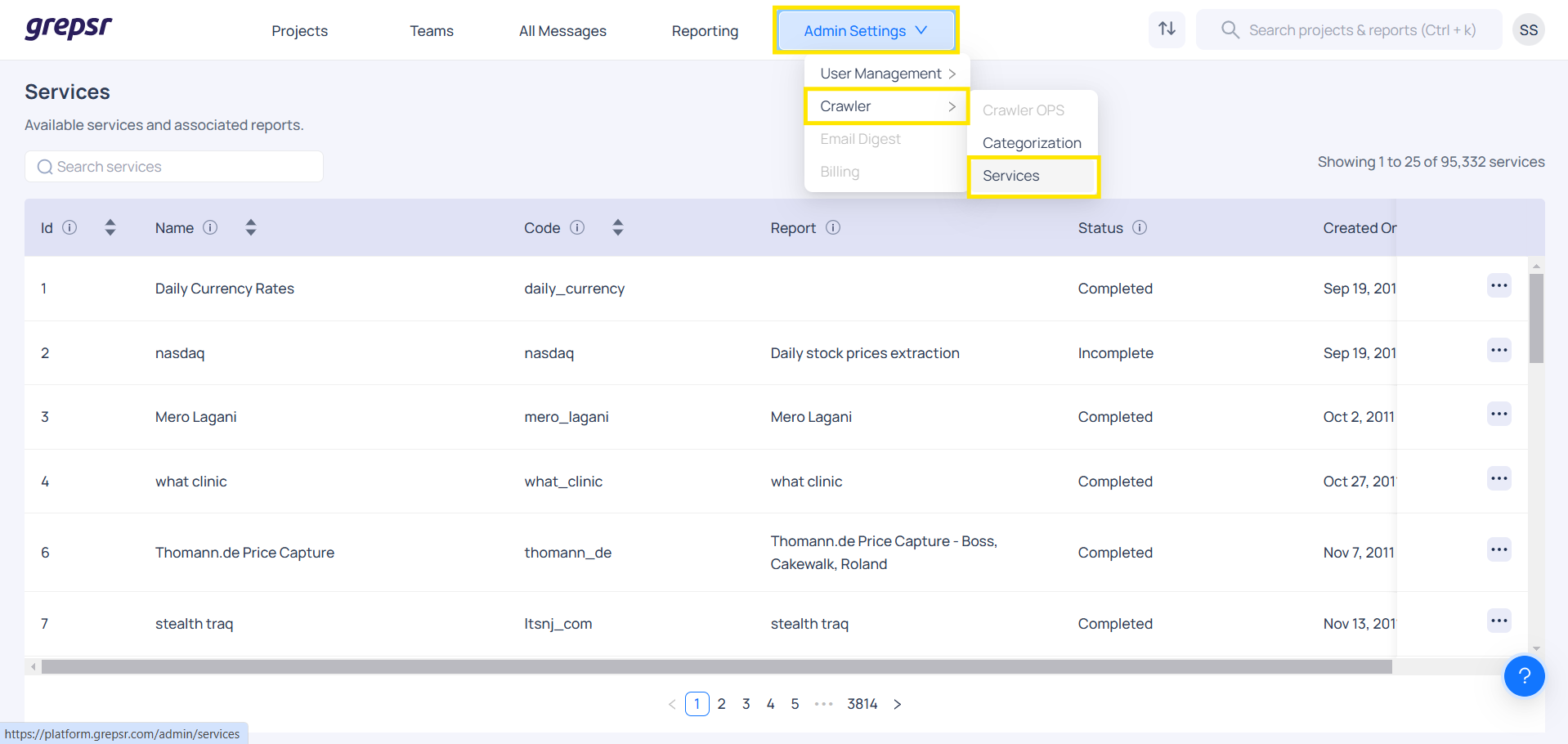
Crawler services page shows the list of services and associated reports. User can edit service, view custom parameters and clone parameters.
Service parameters
Users can add or edit parameters for specific services, allowing dynamic inputs during manual runs. To do this, click on the "+ field" option under "Edit service params" to add multiple customer-specific parameters based on client needs.
After updating the parameters, you can view the changes in the custom parameter box on the Datasets page. This feature gives you the flexibility to easily choose and edit parameters according to the clients' requirements. These parameters can also be configured in "Schedules". A total of 10 types of parameters are supported.
- Text
- Password
- TextArea
- Checkbox
- Combo Box
- MultiCombo Box
- Date
- Time
- DateTime
- Seed uris
Additional details
- Default values can be set for each parameter type and parameter visibility can be controlled using a checkbox when creating or editing custom parameters. These parameter values can be configured during an on-demand run or in the schedule.